Legacy WordArt

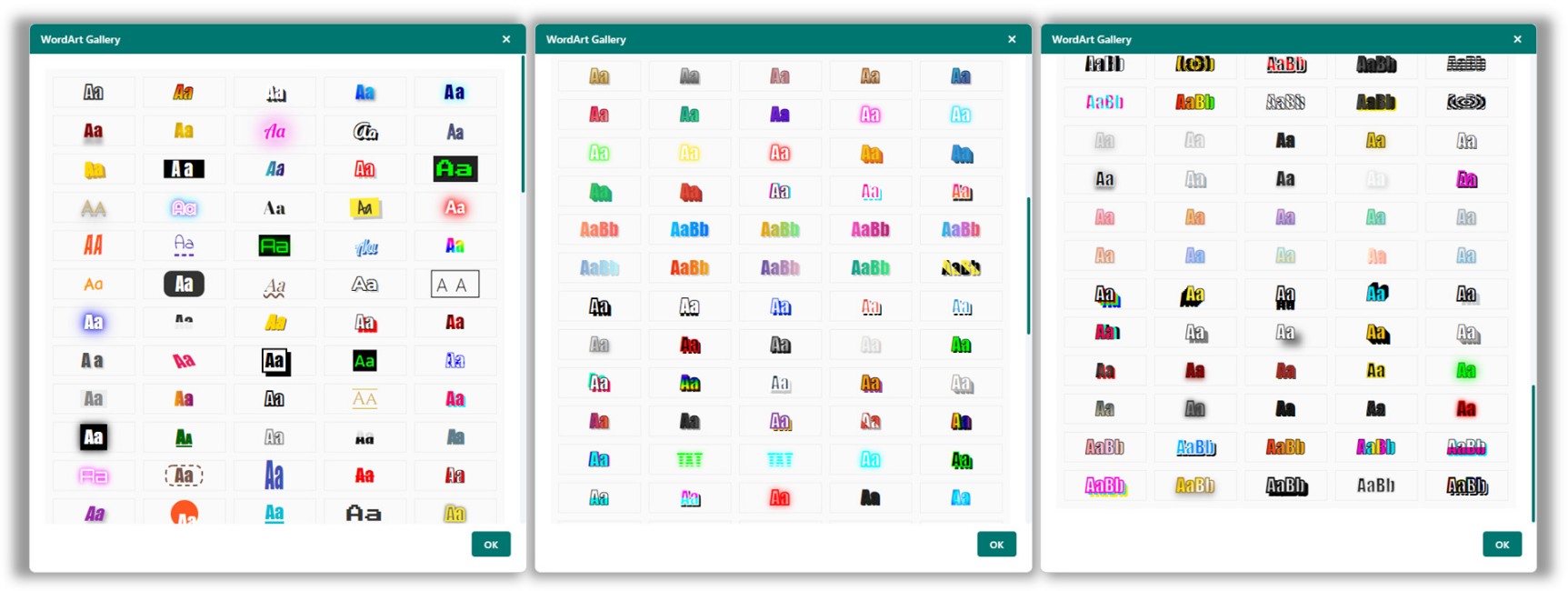
Open Publisher includes two distinct WordArt systems available in the Graphics group of the Insert ribbon. Legacy WordArt applies decorative text styling using live CSS effects rendered directly in the document, making it instantly editable on the canvas.
Inserting Legacy WordArt

To insert Legacy WordArt:
-
Go to Insert > WordArt (LEGACY).
-
A gallery of CSS-styled text samples opens. Click a style to select it.
-
Type your text in the input field that appears.
-
The styled text is inserted as a live element on the canvas.
Legacy WordArt is editable in place – click it to enter editing mode, type, and apply font changes directly without reopening any dialog.
Print & Export Considerations
Because Legacy WordArt uses live CSS properties, certain advanced effects – such as multi-layered drop shadows, complex CSS patterns, and some gradient types – may not print or export to PDF identically to what you see on screen, as the export engine cannot process all CSS properties. Please be advised that there are still known issues with printing some of these styles; for example, a shadow or a thin border might be missing.
If you must use these specific styles, and aren’t happy with the way your selected style prints, the only way to ensure they print 100% identically is to take a screenshot of how the WordArt appears in the editor and paste it back into your document as an image as a workaround.
Styles that are known to have the worst print limitations are automatically hidden from the selection gallery, preventing you from designing with effects that will not survive export. This printing limitation is why this feature is designated as “legacy” and why we have introduced the new WordArt system to replace it. The legacy system only remains available for users who want to continue using the old styles they might have gotten used to.
For new documents where print and PDF accuracy is important, Beta WordArt is recommended. It produces superior visual results and is guaranteed to export identically to PDF and print.