
Editing, Formatting & Print Fidelity
—– This section focuses more on Beta WordArt than Legacy.
Beta WordArt elements are not static once placed on the canvas. Open Publisher stores your original text and style data inside every generated PNG, so you can re-edit, recolour, and re-style at any time without starting over.
Double-Click to Edit
To re-edit an existing Beta WordArt element:
-
Double-click the WordArt on the canvas.
-
The WordArt Generator modal reopens in Edit Mode, pre-filled with your original text and the currently applied style highlighted.
-
Change the text, choose a new style, or both.
-
Double-click or click OK to confirm. The PNG is regenerated and replaced in-place, preserving your position, size, and layout on the canvas exactly as it was.
The Dedicated Floating Toolbar
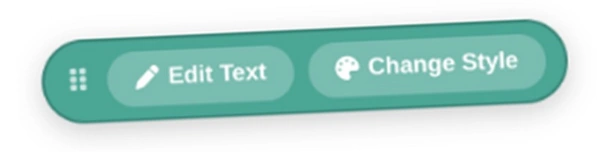
When a Beta WordArt element is selected, a dedicated pill-shaped teal floating toolbar appears above it, providing two quick-access shortcuts:
-
Edit Text – Opens the generator modal in Edit Mode.
-
Change Style – Opens the style gallery only (with your current text pre-filled) for quick re-styling without retyping.
The toolbar has a vertical grip handle on the left so it can be freely dragged out of the way without deselecting the element.
Hue Shifting & Format WordArt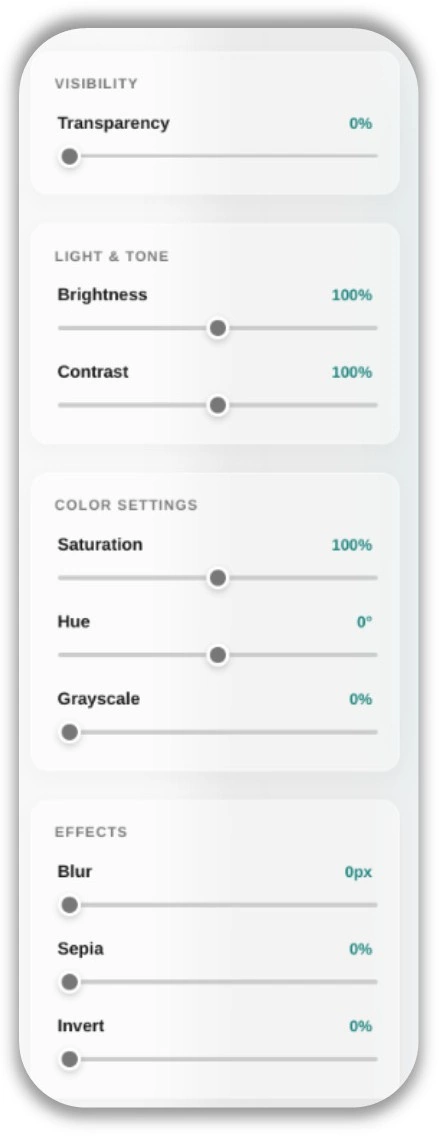
Because Beta WordArt is a PNG, it inherits all of the advanced image formatting tools available in the Format WordArt sidebar – the same sidebar as Format Picture, but contextually renamed when a WordArt element is detected.
To shift the colour of a Beta WordArt element:
-
Select the WordArt on the canvas to open the Format WordArt sidebar.
-
Scroll to Color Settings and adjust the Hue slider.
-
The entire colour spectrum of the WordArt shifts in real time – a blue arch style can become emerald green, deep purple, sunset orange, or any other hue without regenerating the WordArt.
This is especially powerful for matching WordArt colours to theme or branding changes without starting over.
Save as Picture 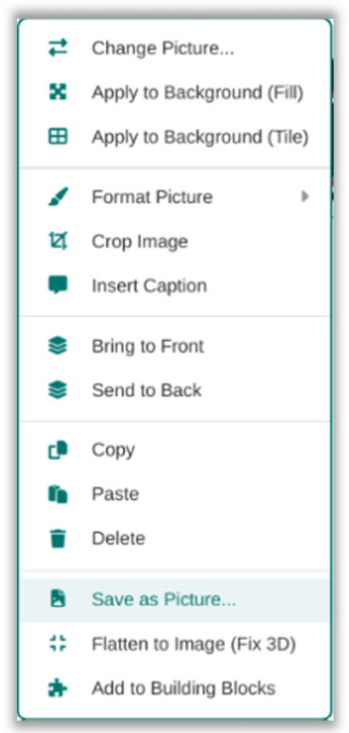
Right-clicking any WordArt element and choosing Save as Picture… exports a pixel-perfect, transparent PNG of the element exactly as it appears on screen. The export engine creates an isolated clean-room clone of the element, bakes all SVG curves into static pixels, strips live-editing variables, and captures a flawless snapshot.
Print & PDF Fidelity
Beta WordArt is automatically rendered print-safe through a Canvas Compositor pipeline that runs silently during every export:
-
The engine detects all WordArt elements in the document.
-
It draws the raw gradient and text mask on isolated
off-screen canvases and composites them together.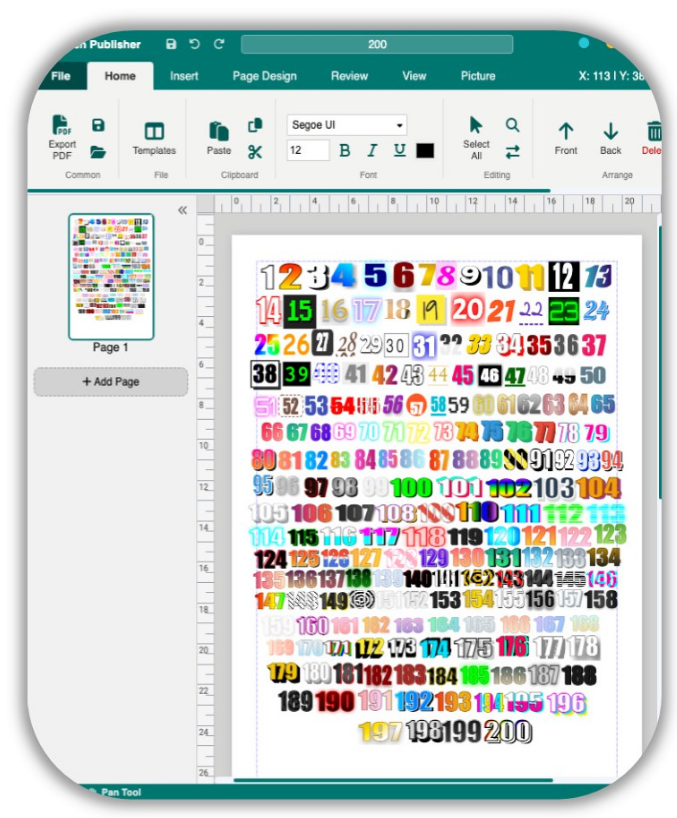
-
The final result is a 1:1 Base64 PNG that is swapped into the document just before the PDF snapshot is taken.
-
For multi-word WordArt that is rotated, spaces are internally replaced with a mathematical four-per-em space that prevents misalignment in the exported PDF.
All of this happens automatically and invisibly – you never need to take any action to ensure your WordArt exports correctly.