
Baseline Guides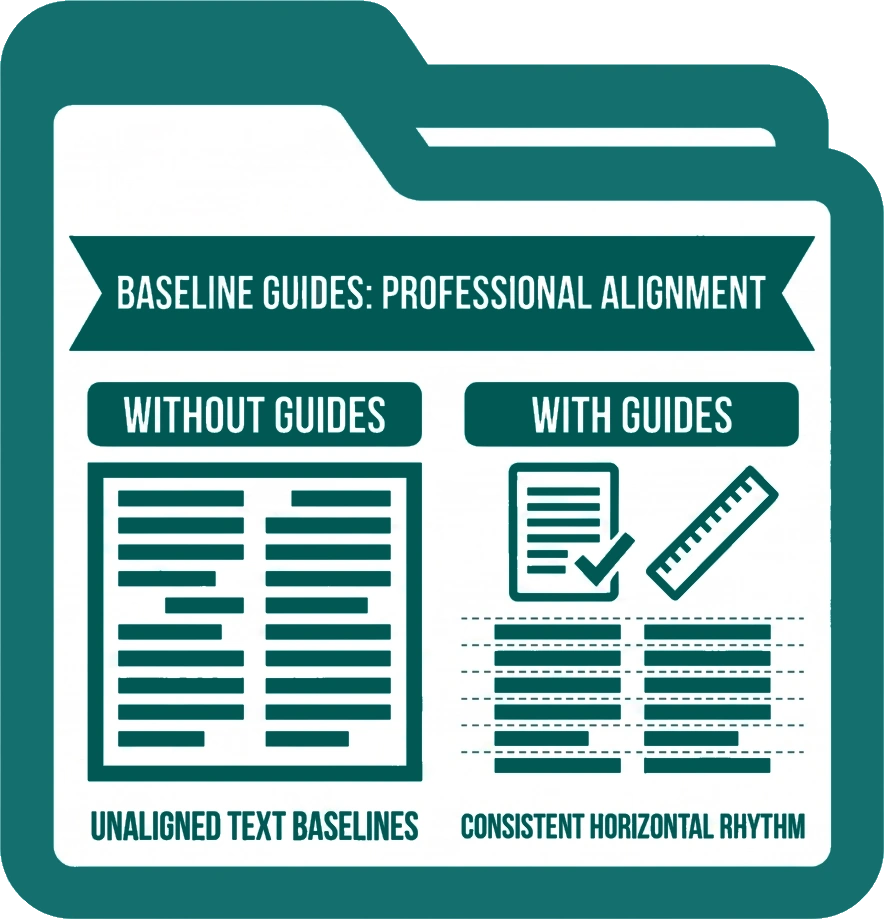
Baseline Guides overlay evenly spaced horizontal lines across your canvas, mirroring the baseline rhythm of your body text. They work like ruled paper for your document – helping text in separate text boxes, columns, and layout areas sit on a consistent horizontal baseline across the full page. This technique is a cornerstone of professional editorial and typographic design.
Baseline Guides are non-printing and only visible in the editor – they never appear in exported or printed output.
Opening Baseline Guide Settings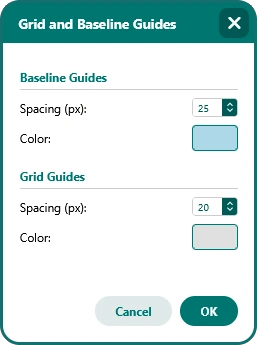
-
Go to Page Design > Guides > Grid and Baseline Guides.
-
The customisation modal opens as a draggable window so it can be moved out of the way while you preview your changes live on the canvas.
What You Can Customise
-
Baseline spacing – Set the interval between baseline lines to match the leading (line height) of your body text. When the spacing matches your text’s line height, text across multiple columns and separate text boxes naturally aligns to the same horizontal rhythm without manual adjustment.
-
Baseline colour – Set a colour for the baseline lines independently from the grid guides, so both can be visible at the same time without visual confusion.
When to Use Baseline Guides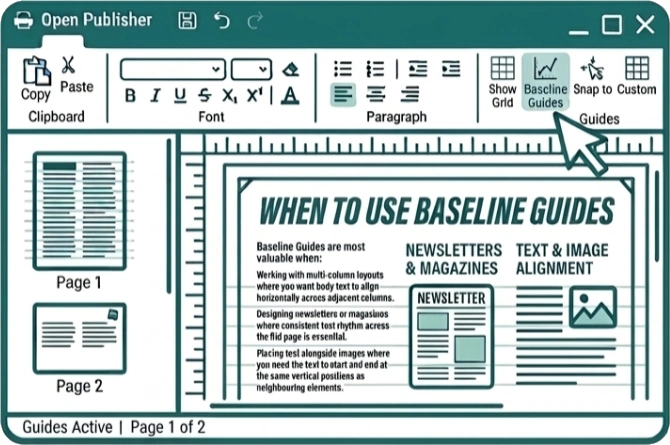
Baseline Guides are most valuable when:
-
Working with multi-column layouts where you want body text to align horizontally across adjacent columns.
-
Designing newsletters or magazines where consistent text rhythm across the full page is essential.
-
Placing text alongside images where you need the text to start and end at the same vertical positions as neighbouring elements.