
Quality of Life & Workflow Shortcuts
Open Publisher is built on the philosophy that great software should get out of your way. Alongside our major features, the engine includes several subtle, behind-the-scenes enhancements designed specifically to speed up your daily design workflow, reduce repetitive clicking, and eliminate the minor friction points that often slow down creative projects.
Direct Text Box Editing
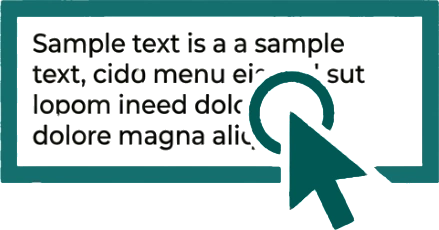 In many traditional design applications, text boxes are treated strictly as layout shapes-meaning you have to click once to select the object, and then double-click again just to access the text inside. Open Publisher removes this barrier entirely. You don’t need to double-click a text box to start editing it. If you have an unselected text box on your canvas, simply clicking directly on the text inside it will instantly place the text cursor at that exact spot. This allows you to highlight text natively or start typing immediately, bypassing “drag mode” completely for a much more natural writing experience.
Note: Hovering and clicking on the outer bounding box edges or empty space of a text box will still correctly trigger the “Move” cursor, allowing you to quickly grab and reposition the box without accidentally highlighting the text.
Escape Key Modal Dismissal
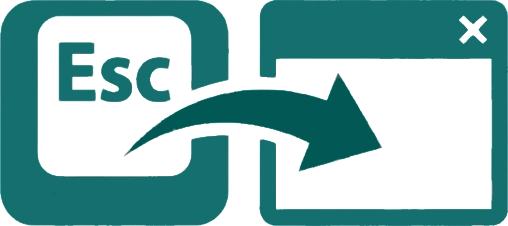
When you are deep in a creative flow, constantly switching between your keyboard and mouse to close pop-up menus can break your momentum. To keep you moving quickly, every single modal dialog window in Open Publisher – including the Accessibility Checker, Page Parts Library, Custom Colour Picker, Document Settings, and Export tools – is tied into a global keyboard listener. You can instantly close any open modal window simply by pressing the Escape (Esc) key on your keyboard, saving you from having to hunt for the mouse to click the small ‘X’ close button.
Smart Spread Cleanup

Designing a booklet or magazine often requires toggling viewing modes to see how pages sit next to one another. If you toggle Double-Page Spread mode on to preview your layout, Open Publisher automatically generates a blank right-hand page to mathematically complete the spread on your canvas. However, if you decide you don’t need that layout and immediately toggle Spread Mode back off, the application uses a smart cleanup routine to automatically detect and purge that newly generated blank artifact. This ensures you aren’t left with an empty, unwanted trailing page ruining your document structure or your final PDF export.
Note: This system is completely safe for your content. If you have placed any text, images, or elements on that generated right-hand page while in Spread Mode, the cleanup routine will detect your work, safely preserve the page, and append it to your standard single-page document normally.