
Publication Templates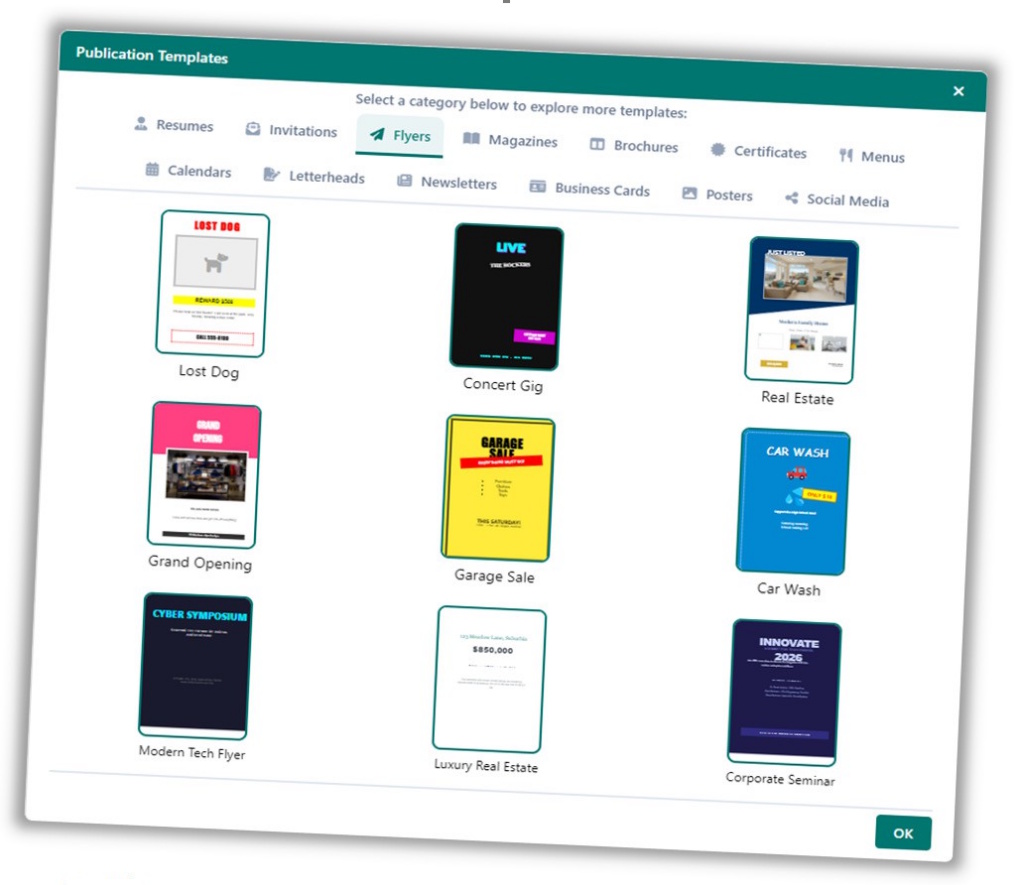
The Publication Templates library provides full-page, professionally designed starting points for common publication types – newsletters, flyers, brochures, menus, and more. Templates open as complete documents, ready for your content.
Using a Template
To open a publication template:
-
Go to File > New, or click New in the File ribbon tab.
-
Browse the template gallery.
-
Double-click a template to open it.
Smart Template Behaviour

If you open a template while on a new blank page, Open Publisher adds the template layout to your current page rather than replacing the whole document. This lets you mix and match layouts within a single publication.
Note: Loading a template replaces the content of your currently selected page only – not the entire document.