
Page Size & Format
Open Publisher supports a comprehensive range of international page sizes. You can change your canvas size at any time from the Page Design ribbon using the Size button.
Available Page Sizes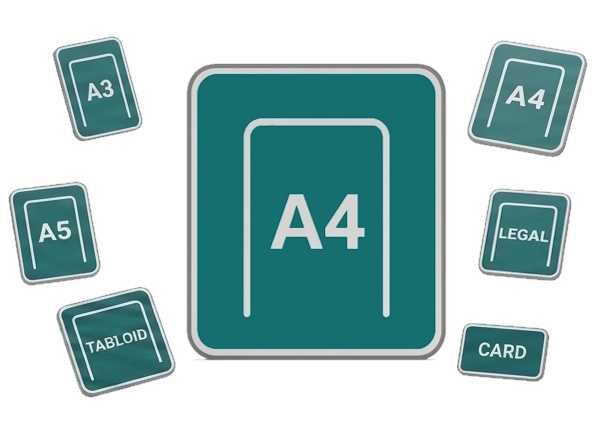
-
A3 – 297 × 420mm
-
A4 – 210 × 297mm (European / UK default)
-
A5 – 148 × 210mm
-
Letter – 8.5 × 11” (US / Canada / Mexico default)
-
Legal – 8.5 × 14”
-
Tabloid – 11 × 17”
-
Business Card – 3.5 × 2”
Each preset is represented by a unique icon in the dropdown and the top-right corner of the canvas always displays the correct format indicator.
Locale-Aware Defaults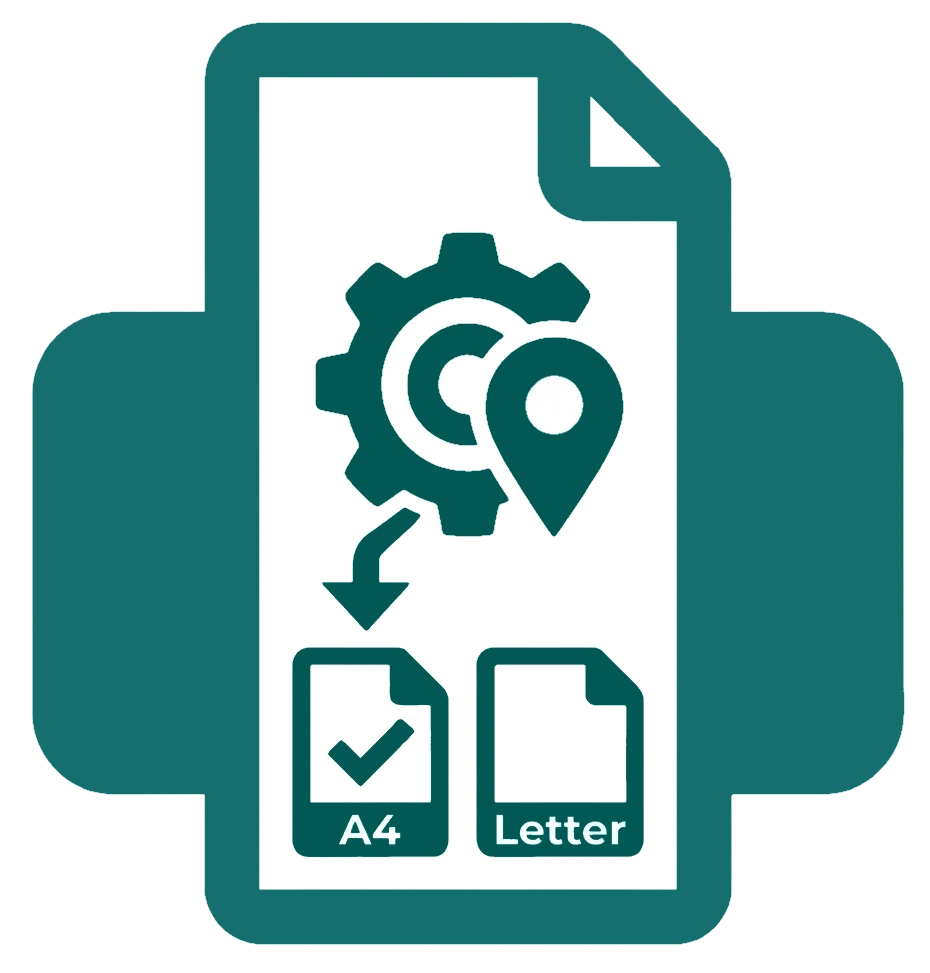
When you create a new document, Open Publisher automatically selects the correct default page size for your region. Users in the US, Canada, Mexico, Colombia, Venezuela, Chile, and the Philippines default to US Letter; users everywhere else default to A4. This happens automatically in the background without any setup required.
Page Format Indicator
The page format indicator in the top-right corner of the canvas always reflects your current format precisely. It is wired directly into the rendering engine and updates instantly whenever you change size, switch pages, undo, or redo.
