
The Scratch Area
Any element dragged outside the page boundary is stored in the Scratch Area – an off-canvas holding space useful for keeping elements in reserve without cluttering your document.
Showing & Hiding the Scratch Area
To show or hide Scratch Area items: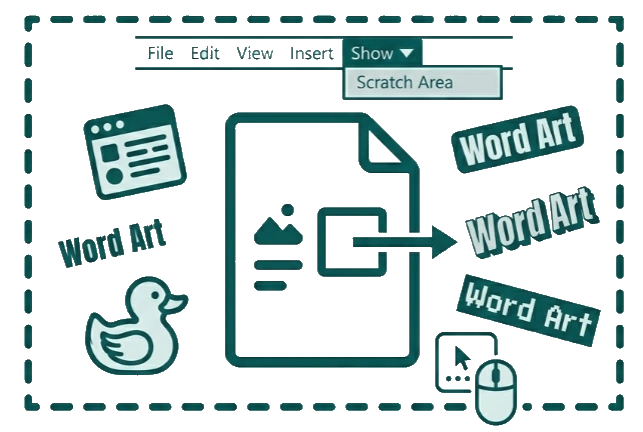
-
Go to View > Show > Scratch Area, or
-
Right-click in the workspace and toggle the option.
When the Scratch Area is hidden, off-page objects become invisible and non-interactive – but they are not deleted. Toggle it back on to bring them back immediately.
Note: Any new element dragged off-page while the Scratch Area is hidden is also hidden instantly – so your workspace stays clean automatically.