
Printing Your Document
Open Publisher’s print engine is designed to produce accurate,professional output – handling full-bleed designs, mixed page orientations, and fine edge corrections automatically so your printed result  matches what you see on screen.
Standard Printing
To print your document, go to File > Print or use the print button in the ribbon. This opens your system’s print modal where you can select your printer, paper size, and number of copies.
Mixed Page Orientations
If your document contains a mix of portrait and landscape pages, Open Publisher handles this automatically. The print engine detects each page’s orientation and recalculates dimensions mathematically before feeding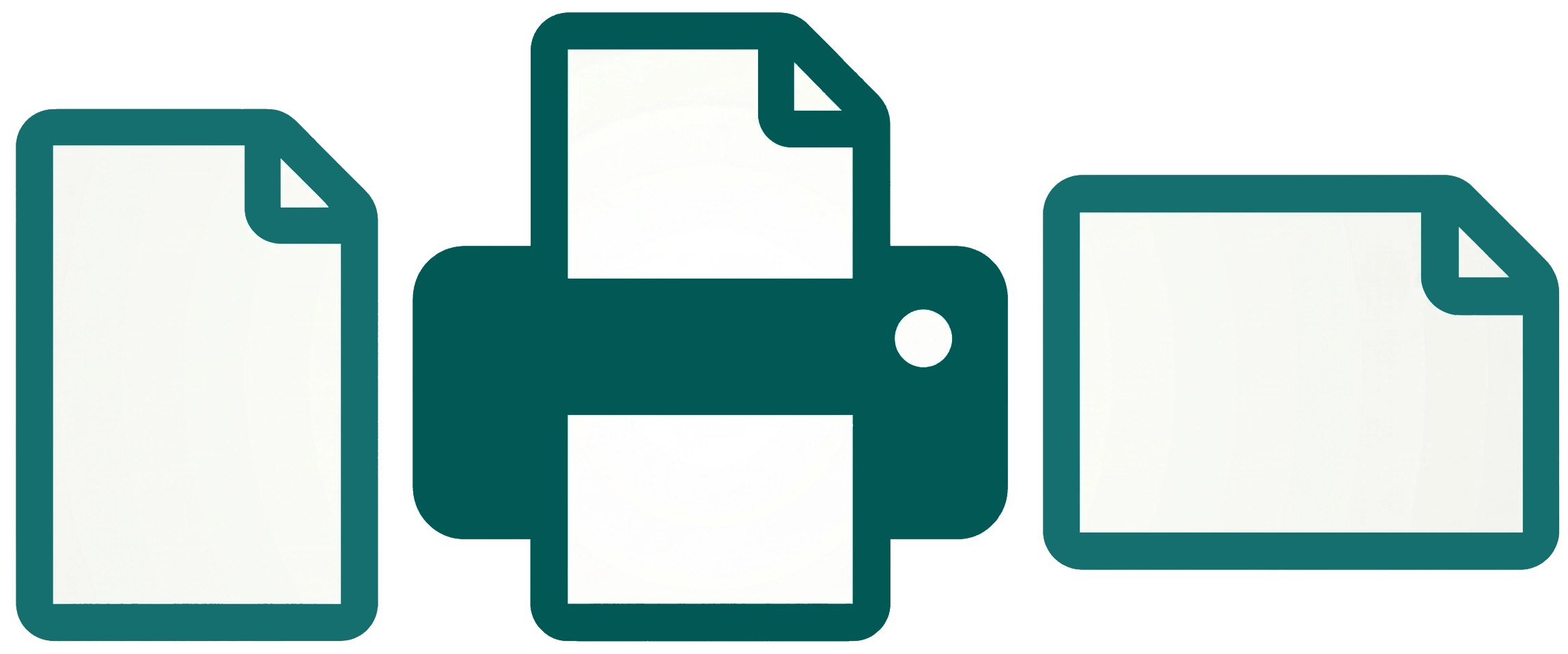 them into the print stream – so a landscape page between two portrait pages prints perfectly without any manual intervention.
Micro-Bleed Correction
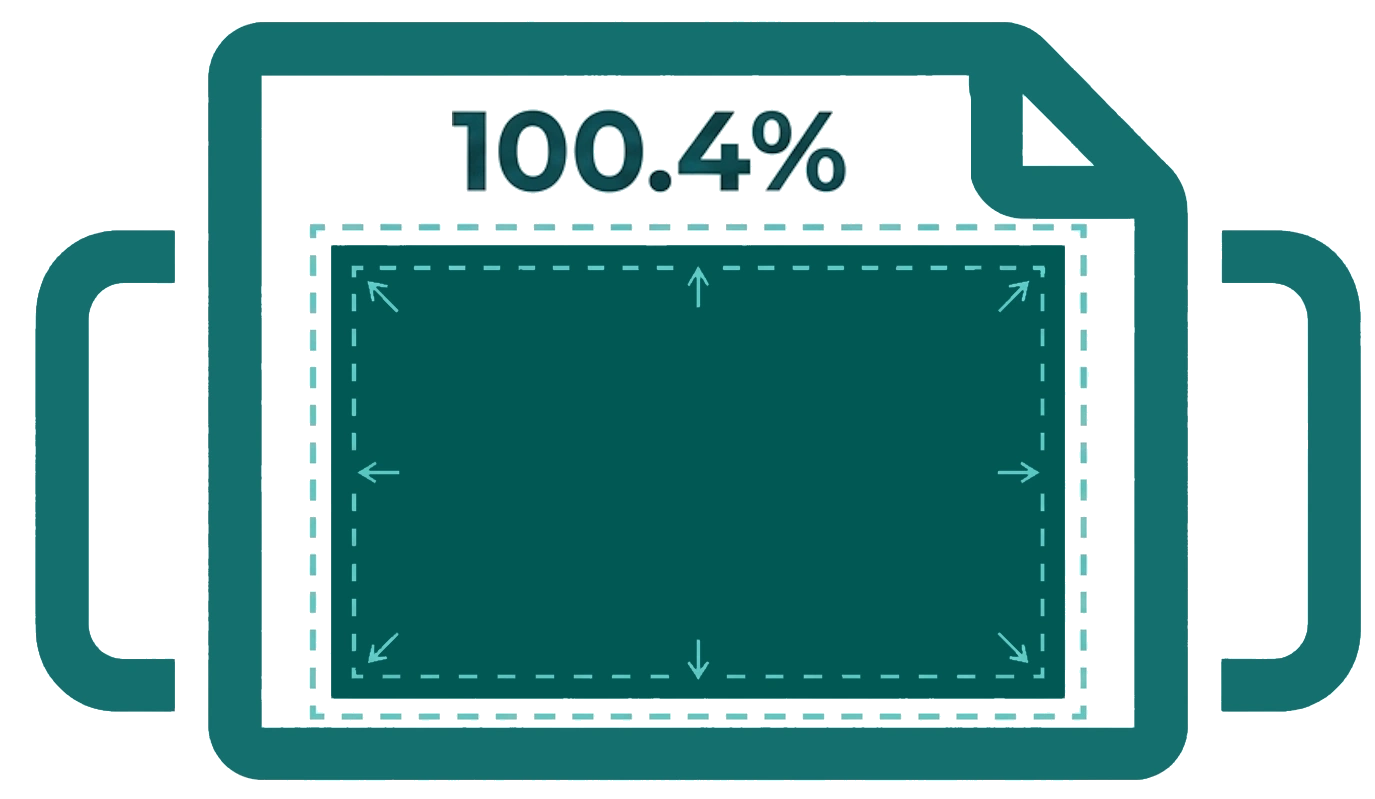
A 100.4% micro-bleed is automatically applied during printing to eliminate the fractional white border that can appear on full-bleed designs This subtle scaling ensures your design fills the page edge-to-edge on physical output.