
Export as Image
You can export any individual page as a high-quality image file directly from Open Publisher, with all UI elements automatically removed so the output is clean and production-ready.
How to Export as Image
-
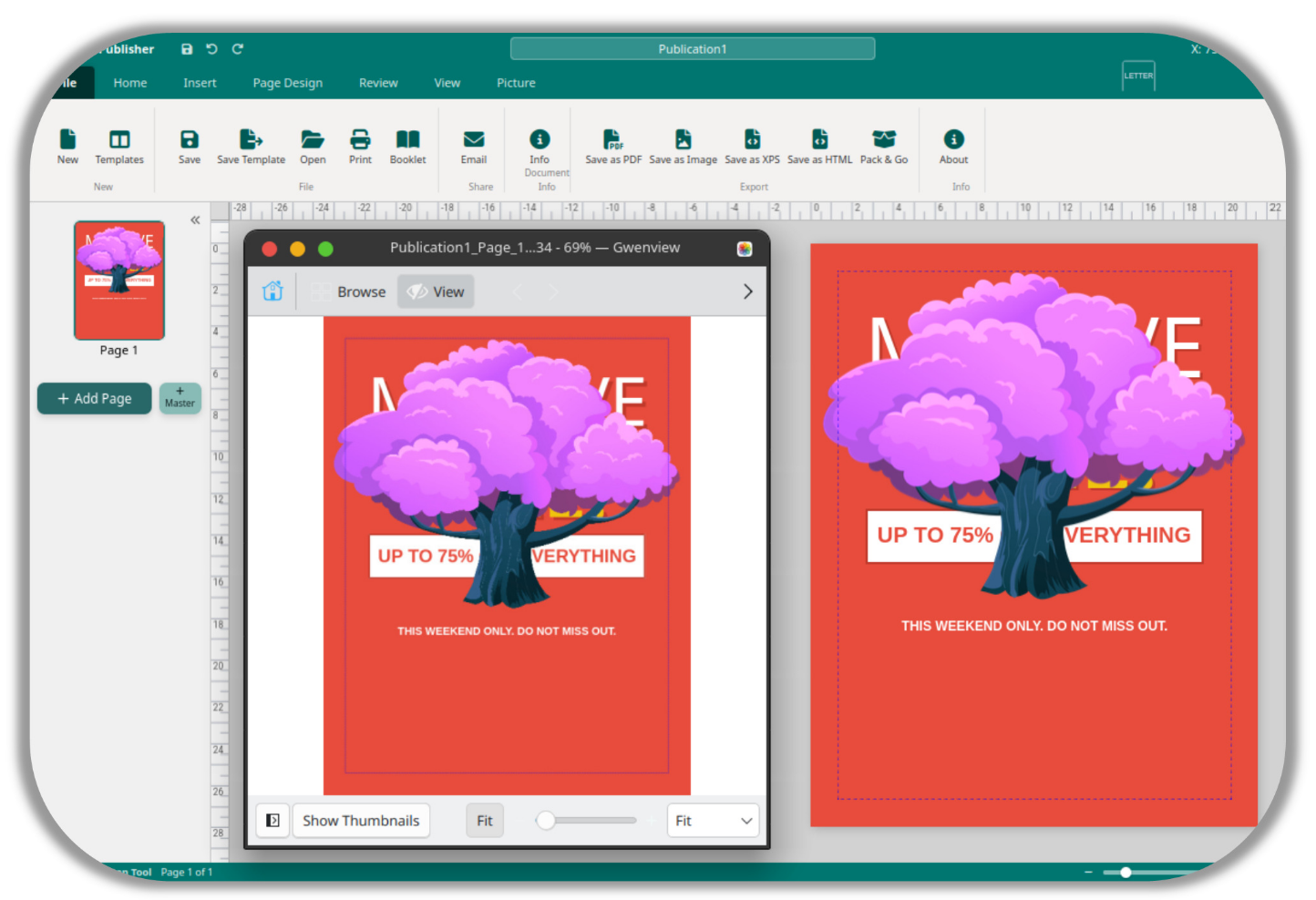
Go to File > Export > Export as Image, or click Export Image in the Export ribbon group.
-
The engine captures a clean snapshot of the current page using html2canvas.
-
Before taking the snapshot, all margin guides, selection boxes, and resize handles are stripped from a temporary clone of the page, ensuring no UI artefacts appear in the output.
-
All CSS filters – hue rotation, brightness adjustments, and more – are correctly applied to the exported image.
Maximum Canvas Size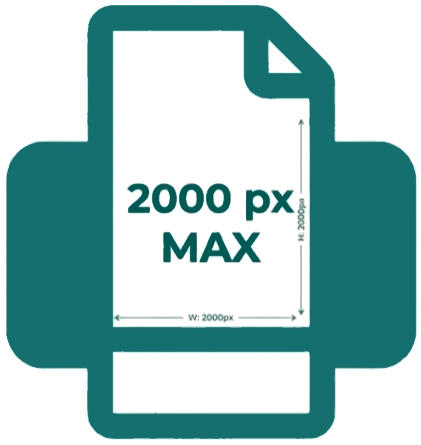
A maximum canvas dimension of 2000px is enforced during image export to prevent browser out-of-memory crashes on very large or high-resolution documents. This ensures reliable export performance regardless of your document’s canvas size.