
Share via Email
The Share via Email feature lets you send any page as the visual body of an email – without manually attaching files, screenshotting, or dealing with complex email formatting. Open Publisher handles the entire process and hands you a ready-to-send file.
How to Share a Page via Email
-
Go to File > Share > Email, or click the Email button in the Share group.
-
Open Publisher captures a high-resolution snapshot of the current page (with all selection boxes hidden), encodes it as Base64, and wraps it in a standard multi-part MIME .eml file structure.
-
The .eml file is automatically downloaded to your computer.
-
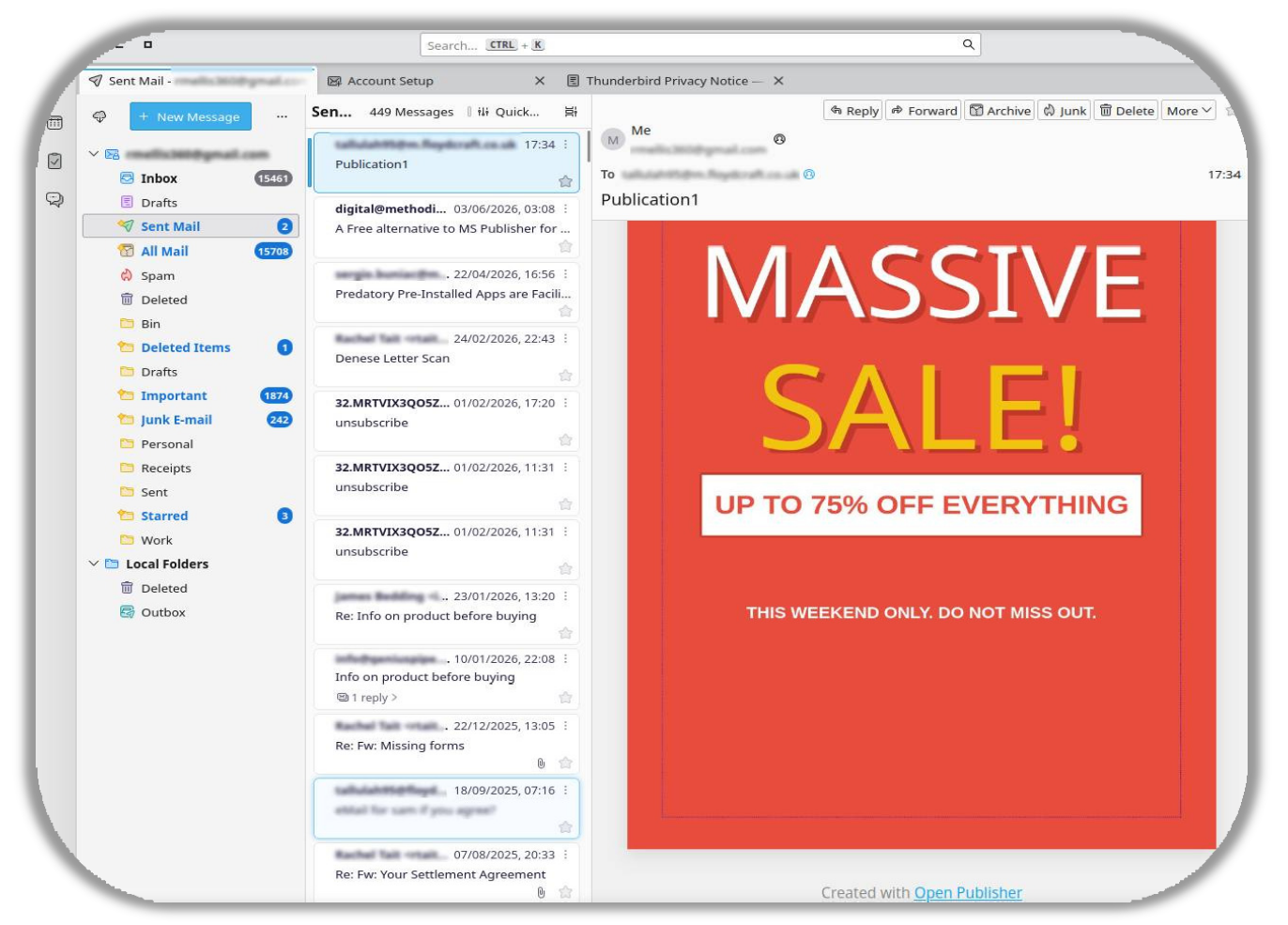
Open the downloaded file – your default email client (Outlook, Apple Mail, Thunderbird, etc.) opens with your page perfectly embedded in the email body, ready to address and send.
Filter Accuracy
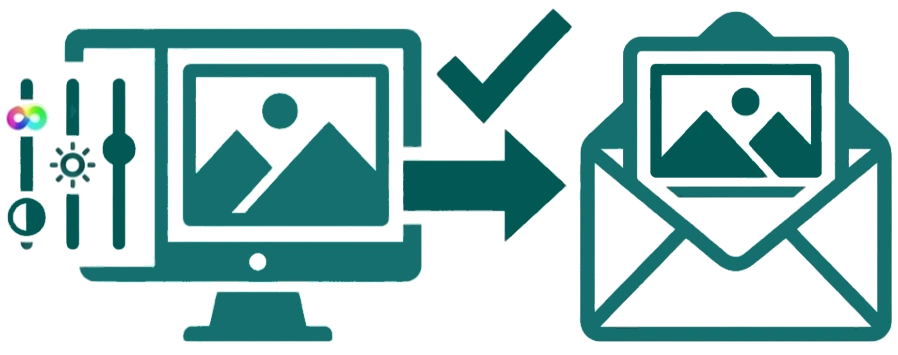
All CSS filters applied to images,such as hue rotation and brightness adjustments are correctly reflected in the emailed image.
The email export uses the same capture pipeline as the image export, so what you see on screen is exactly what your recipients will see.