
Pack & Go
Pack & Go is Open Publisher’s professional handoff tool for commercial print shops. When you send a document to a printer, they need more than just the file – they need all embedded images as standard image files and a list of every font used. Pack & Go bundles everything into a single .zip folder that any printer can open and work with immediately, saving you the time and risk of manually locating and packaging assets yourself.
How to Use Pack & Go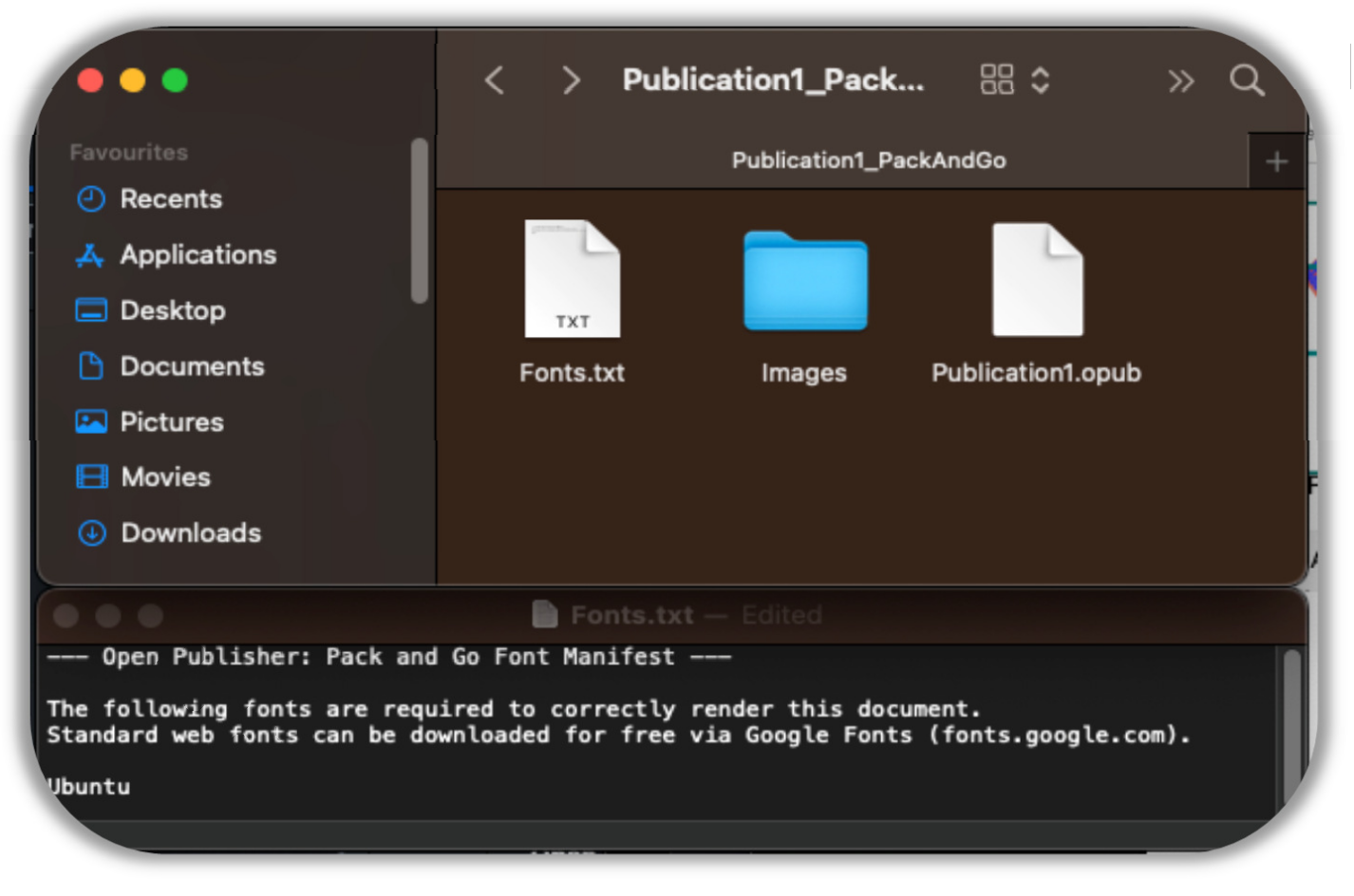
-
Go to File > Export > Pack & Go.
-
Open Publisher runs an intelligent client-side algorithm that automatically prepares all your assets.
-
A .zip file is compiled and downloaded to your computer.
-
Hand the single .zip file to your commercial printer – they have everything they need to open, edit, and print your document.
What Pack & Go Includes
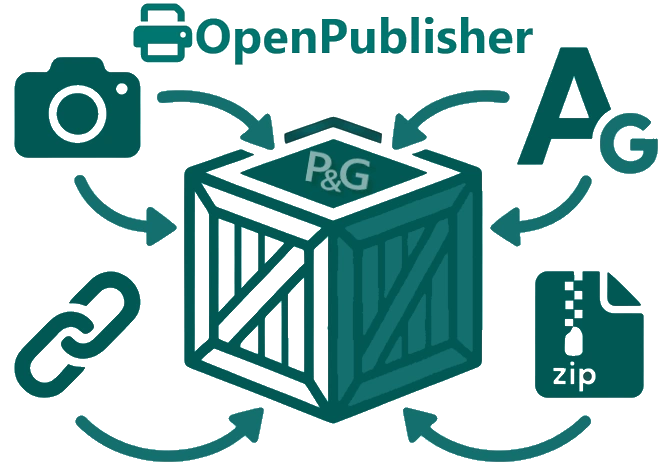
The Pack & Go algorithm performs the following steps automatically:
-
Image extraction – Scans your entire .opub file for all embedded Base64 image strings, extracts the raw binary data of every graphic, and converts them into standard image files (for example: image_1.jpeg, image_2.png), organised neatly inside an Images/ folder.
-
Link rewriting – Rewrites the .opub project file’s internal image links to reference the newly extracted image files, so everything remains correctly connected.
-
Font manifest – Performs a deep scan of every font-family declaration across all elements and pages, compiles a definitive list, and generates a Fonts.txt manifest. This tells the print shop exactly which Google Fonts need to be installed to reproduce your document’s typography faithfully.
-
Compression – Compresses the project file, all extracted images, and the font manifest into a single .zip file and downloads it automatically.
Privacy
The entire Pack & Go process happens natively in your browser using the open-source JSZip library. Your documents and images are never uploaded to any external server – all processing takes place locally on your machine.