
Hyperlinks
Open Publisher allows you to easily embed clickable web links into your text boxes and table cells. Hyperlink management is built directly into the right-click context menu, making it fast and contextual to use while editing.
Adding a Hyperlink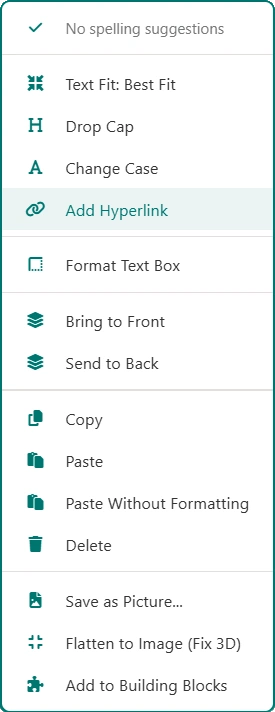
-
Highlight the text you want to turn into a link.
-
Right-click the highlighted text and select Add Hyperlink from the context menu.
-
A prompt will appear. Enter your destination URL and confirm to apply the link instantly.
Removing a Hyperlink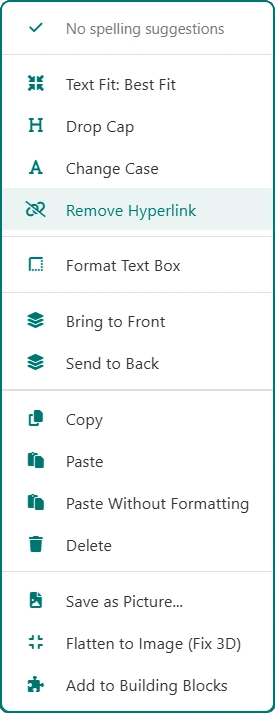
If you need to remove a link but want to keep the text exactly as it is, you can strip the hyperlink routing safely without deleting the words:
-
Right-click directly on the existing link (or make a text selection that contains the link).
-
Select Remove Hyperlink from the context menu.
The link routing will be instantly removed while perfectly preserving your original text.
Intelligent Context Menu
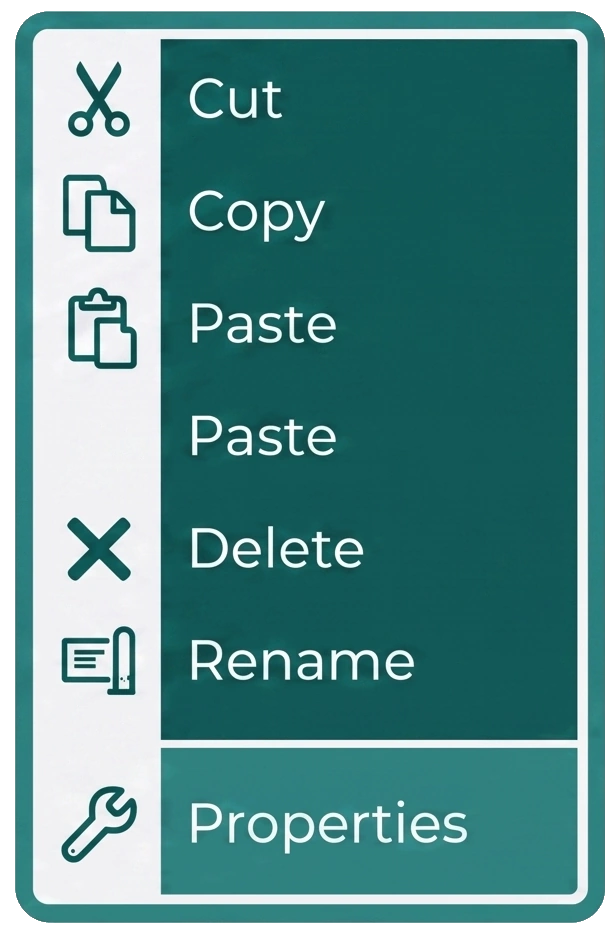
The right-click menu is context-aware. It smartly toggles between showing Add Hyperlink (when standard, unlinked text is selected) and Remove Hyperlink (when you right-click an existing link), ensuring your menu remains clean and relevant to the action you want to perform.
All hyperlink actions are also fully integrated with the document history system, allowing you to use Undo and Redo if you make a mistake.